
Your first task
Download the practice folder, drop it into your Cowork folder, then paste the brief. Three synthetic committee minutes and one table of monthly counts. No patients.
Download the practice folder (.zip)
Brief it like a colleague
A good brief names three things: the outcome, the format, and the inputs. Add who will read it.
Inputs: the three minutes files and quality-counts.csv in the practice folder.

Make three files in a new subfolder called "outputs":
1. decisions.docx: one page, every decision with its owner and due date.
2. actions.xlsx: one row per action item (owner, due date, status), filtered, with a second tab counting open items by owner.
3. quality-update.pptx: five slides for the department meeting, KHCC colours, one chart of the monthly counts.

Readers: department heads, five minutes to read.
Show me your plan before you start.
Read the plan before it runs
Cowork reads the request, splits it into steps, and lists them. This is the cheapest moment to fix a misunderstanding. If a step is wrong, say so now: “Skip the chart; use a table.”
Large jobs may be split across sub-agents that work in parallel, for example one per document.
Watch the progress panel
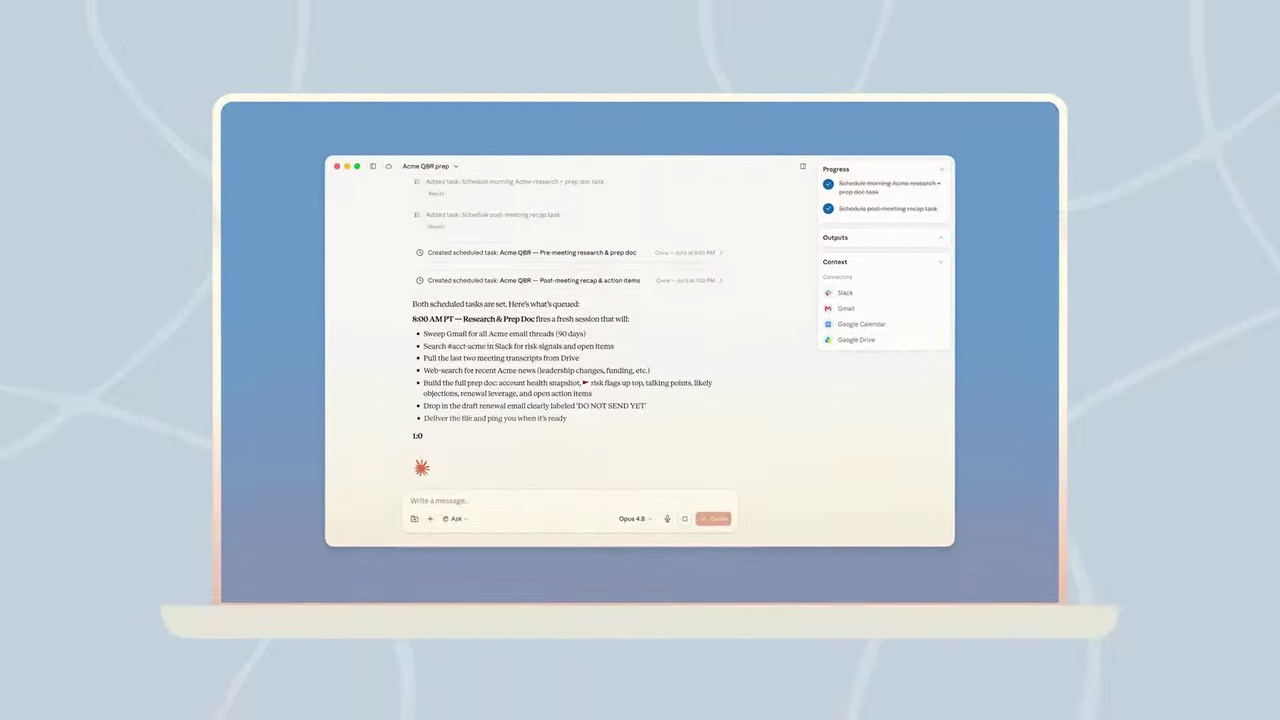
The right-hand panel shows Progress (the to-do list ticking off), Outputs (files as they appear) and Context (folders and connectors in use). Code runs in an isolated sandbox, not on your laptop. You can switch to other work; long tasks do not time out.
Steer mid-task
Type while it works. Cowork picks the message up at the next step.
The infection-control committee is not a department. Put its actions under "Committees" in actions.xlsx.
If something looks wrong (a file you did not mention, a website you did not expect), press stop. You can always restart with a clearer brief.
Collect and check
The files land in outputs/ in your folder and can be previewed in the session. Excel files carry working formulas, not pasted numbers. Open each one and check it against the source before you send it on. You stay responsible for what leaves your desk.
Ask for a fix in the same session (“slide 3 is too dense, split it”) rather than starting over; Claude keeps the context.
More briefs to try
Organise my practice folder: one subfolder per committee, rename files as YYYY-MM-DD_committee_minutes, and give me a list of what you moved. Ask before moving anything.
Read quality-counts.csv. Build an Excel workbook with a monthly trend chart, a 3-month moving average, and conditional formatting that marks any month above the yearly mean in gold.
Draft a one-page memo to nursing managers announcing the new hand-hygiene audit schedule, using only the decisions in the minutes. Mark anything you had to assume.
Three jobs Chat cannot finish
Each needs many files, big files, or a real file back in your folder.
I need an expense report from the receipt scans in my receipts folder. Give me an Excel sheet with date, vendor, category, amount, and a totals row. If anything is blurry or unclear, mark it "verify".
This guideline PDF is too big to work with. Split it into separate files, one per chapter or major section, with descriptive file names so I can find what I need at a glance.
These slides are images and cannot be edited. Rebuild this as a clean, editable PowerPoint in KHCC colours: same content, same slide order, real text boxes.
The rebuilt deck will not be perfect. It is still far quicker to fix than to retype.
▶ See it in Jeff Su's video (04:12) · receipts, PDF split, slide rebuild