
Put it on a schedule
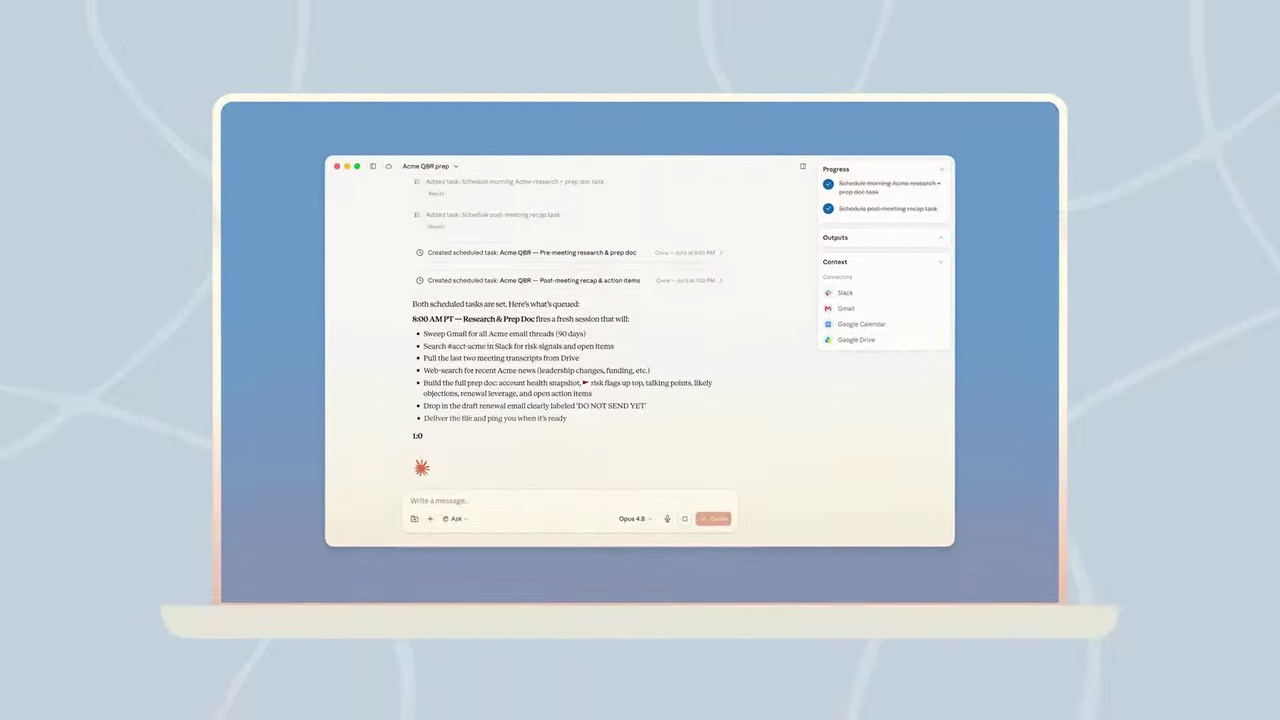
A task that works once can run every week. Each run is its own Cowork session. Cloud schedules run with your laptop closed; tasks that need local files run only when the desktop app is open.
Two ways to schedule
- From a task: type
/schedulein a session that already worked, and say how often. - From the sidebar: Scheduled → New task, then Create with Claude or Set up manually: name, prompt, approval mode, frequency (hourly, daily, weekdays, weekly, or manual), optional model and folder.
/schedule
Run this weekly, on Sunday morning:
Read any new minutes added to my practice folder this week.
Update actions.xlsx: add new action items, mark items past their due date as "Overdue".
Write a five-line digest of what changed to digest-YYYY-MM-DD.md.
Do not send anything to anyone.
Manage schedules from the Scheduled page: pause, resume, edit, run now, delete, and read past runs.
- Weekly digest of new files in a folder
- Monday summary of the week's committee calendar
- Monthly refresh of a tracker spreadsheet
- Anything that sends email or messages for you
- Anything that deletes or overwrites files
- Anything that touches sensitive files
Why a schedule works well: one worked example
Jeff Su runs an inbox triage every morning at 6:00. It works because three earlier pieces are already in place:
- Rules in a file. His triage rules sit in a Markdown file in the folder (Block 1).
- A connector. Gmail is connected, so Cowork can read new mail (Block 3).
- Memory. For the first week he corrected the drafts;
memory.mdkept every correction, so later drafts sound like him (Block 1).
KHCC version: a weekly digest of new committee minutes, with action items checked against the tracker and draft reminders to owners that you read and send yourself. No patient email, no automatic sending.
▶ See it in Jeff Su's video (16:44) · scheduled inbox triage
What about Dispatch?
Dispatch lets you text a task from your phone to your desktop. It is closed to new users, so we skip it today. Cowork on the web and the phone app is available; it can start, steer and review tasks.